Smart Resize
Need to protect margin on adaptation-heavy campaign work?
Smart Resize is built for agencies that turn one approved concept into many deliverables under deadline pressure.
Agencies rarely lose time on the first approved concept. They lose time after approval, when the same campaign has to be adapted into every placement on the media plan while still leaving room for client changes.
That is why campaign scaling is an operations problem. The creative may already be strong. What determines profitability is whether the rollout process can turn that concept into a full format set without swallowing the team's margin.
Approval is the start of production, not the end of it
Once a campaign is approved, the requests begin:
- paid social placements
- display banners
- vertical variants
- client-specific custom sizes
- localized versions
- internal deck or landing-page exports
If the agency only has one hero PSD, each new request becomes its own adaptation job. That is where schedule pressure and margin pressure appear at the same time.
Agencies need editable outputs, not just delivery files
Client work changes. Headlines change, offers shift, products get swapped, legal requirements expand, and the media plan grows after the first production round is already in motion.
That means agencies do not just need fast exports. They need production files that stay editable after the batch is generated. If the workflow produces flattened dead ends, every change request sends the team back into manual remake work.
This is why a production-grade Photoshop workflow matters more than a generic batch-export shortcut.
The agency workflow that scales better
The agencies that scale well usually share the same structure:
- define a small set of campaign masters
- align on layer naming and hierarchy rules
- review the design system across the main orientation families
- generate the supporting format batch
- manually refine only the outputs that need extra care
This approach is not about removing design judgment. It is about using that judgment once at the system level instead of repeating it inside every file copy.
Where manual agency production breaks down
Agencies tend to hit the same pain points over and over:
- one-off PSDs multiply quickly
- account teams request more variants after production has started
- file naming and versioning become inconsistent
- multiple designers touch the same campaign with different crop logic
- client review gets slower because every format looks slightly different
These are process failures, not creative failures.
Smart Resize fits the expensive middle of the workflow
The expensive part of campaign rollout is not concepting and it is not final export. It is the adaptation middle where the approved visual must become many sizes without losing structure.
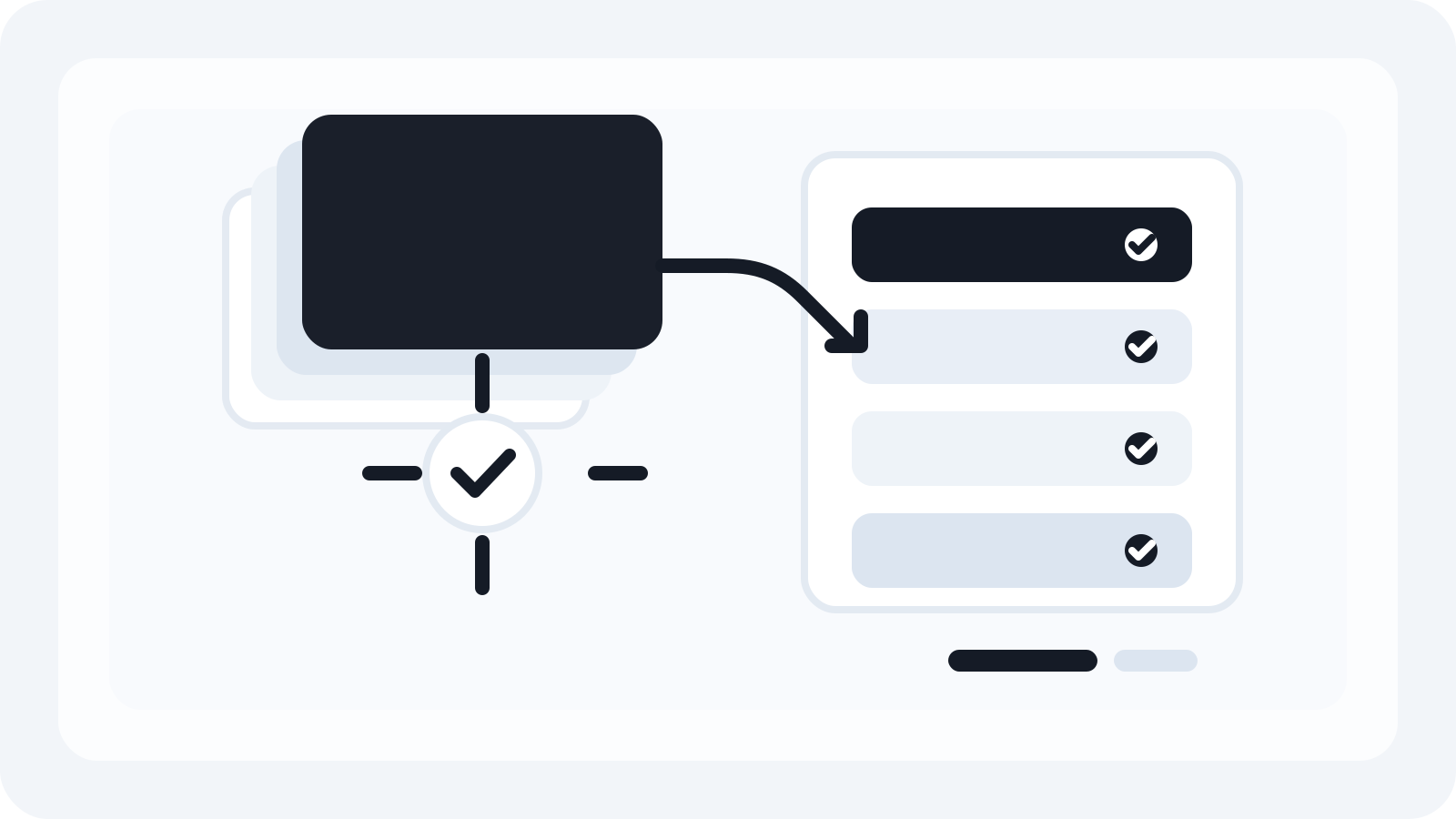
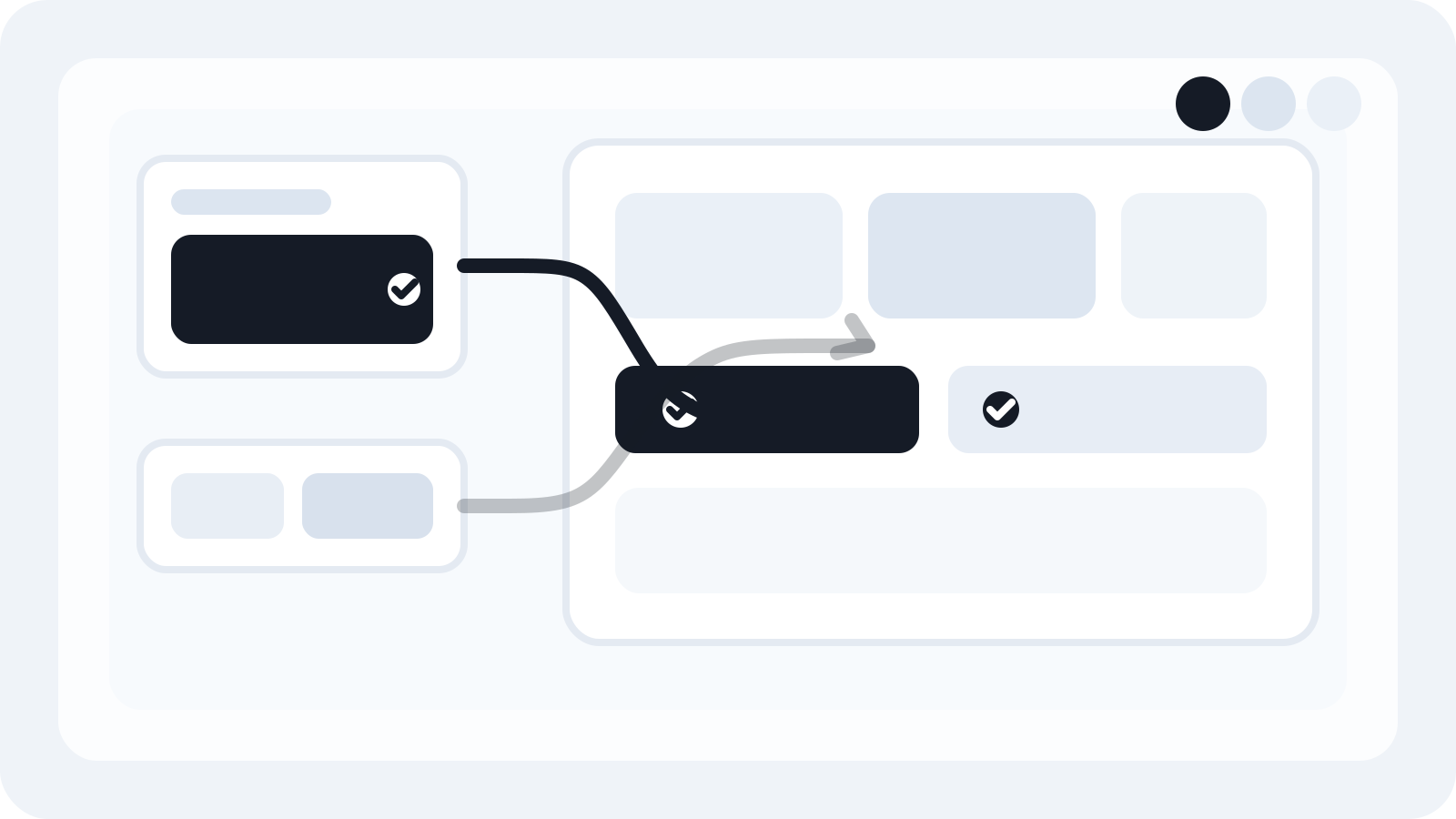
Smart Resize is useful in that middle. Agencies can load the masters, confirm the layer map, paste the target sizes, and generate the batch in Photoshop while keeping the PSD outputs editable for downstream changes.
That changes the economics of rollout work. Instead of senior designers rebuilding the whole set, the team can focus on the few files that genuinely need a custom polish pass.
Scaling across formats requires role clarity
Agencies improve faster when they define who owns each step:
- who owns the master layout system
- who confirms layer structure
- who reviews the generated batch
- which formats are acceptable as generated
- which formats always receive manual refinement
The more explicit those rules are, the less chaos appears when deadlines tighten.
Margin improves when variation stops being manual labor
Most agencies already know how to create good campaign art. The question is whether they can deliver all the required versions without turning rollout into a sinkhole of unbillable time.
That is why scaling formats well is a commercial advantage. A better production workflow:
- protects margin on fixed-fee work
- reduces turnaround time
- lowers review friction
- makes staffing more flexible
- creates a more consistent client experience
The practical takeaway
Agencies scale campaigns across formats by treating rollout as a system, not as a pile of separate file requests. That means building stronger masters, defining adaptation rules early, and using automation where the work is repetitive but still needs to stay editable afterwards.
Smart Resize is built for that part of the agency workflow. It helps teams generate the supporting size set faster while keeping the production files useful for the change rounds that always come next.
Smart Resize
See the batch workflow
Use the Smart Resize docs to understand the source-master setup behind faster production.
FAQ
Why do agencies lose time after the creative is approved?
Approval is only the start of rollout. Once the master creative is approved, agencies still have to adapt it into every placement requested by media, local markets, and client stakeholders.
What makes agency campaign scaling different from solo design work?
Agencies have to protect timeline, margin, and file quality across many outputs and often across multiple handoffs. That makes process design more important than individual speed.
Where does Smart Resize help agencies?
Smart Resize removes repetitive Photoshop adaptation work after approval, so teams can generate more formats faster while keeping PSD deliverables editable.