Smart Resize
Need to scale one campaign into many formats faster?
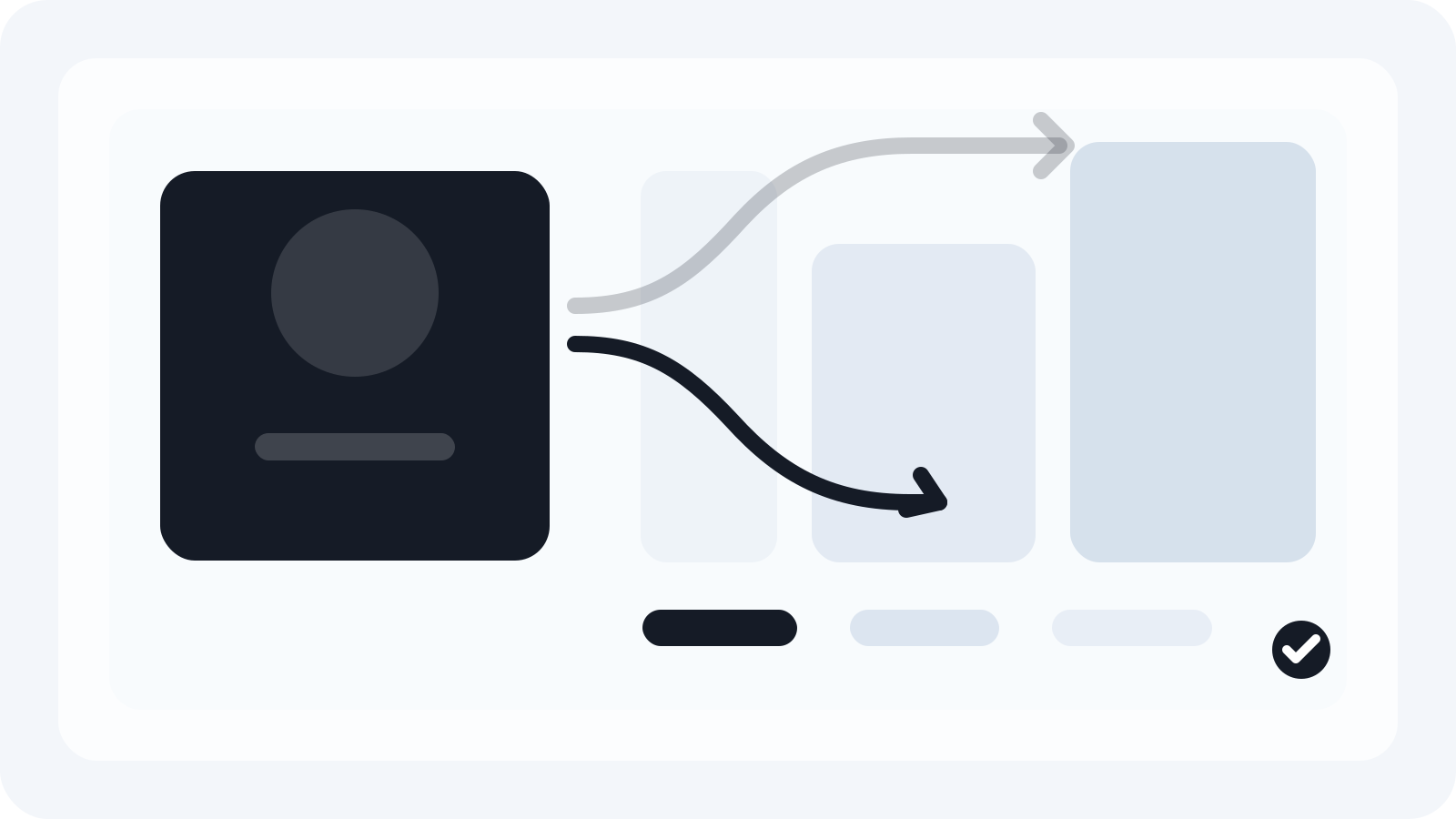
Smart Resize helps teams generate more formats from the same approved Photoshop masters.
Scaling campaigns across formats is not primarily a design challenge. It is a production challenge. Most teams already know how to make a good campaign visual. What slows them down is the rollout step where that approved visual has to become every placement the launch requires.
The problem grows fast:
- more channels
- more ratios
- more review rounds
- more localized changes
- more opportunities for file drift
If the workflow is still based on duplicating PSDs by hand, scale becomes expensive immediately.
Think in systems, not outputs
The campaign should be treated as a system before the file count grows:
- what is the hero element
- what message has to survive every format
- what can crop or flex
- how the CTA behaves
- where the legal line sits
These decisions create the rules the team will use later when the campaign moves across social, display, web, and custom outputs.
Use a small set of source orientations
Most campaign systems become easier to scale when the team works from a limited set of intentional masters:
- horizontal
- square or portrait
- vertical
That reduces the number of decisions the team has to remake later. It also creates a cleaner source structure for automation and review.
Separate rollout from concept creation
The mistake many teams make is treating campaign rollout like an extension of concept design. That turns every new format into a fresh creative exercise.
A better production model treats rollout differently:
- concept and hierarchy are approved first
- source masters are locked
- the supporting format set is generated from that system
- only the exceptions get manual refinement
This is how scale becomes manageable.
Use Smart Resize to handle the repetitive part
Smart Resize fits the workflow after the campaign system is approved. The plugin helps Photoshop teams map the layers once, paste the required sizes, and generate the output batch faster.
That is useful because scaling campaigns is rarely about one channel. The same visual may need:
- Meta placements
- Google Display sizes
- TikTok-ready vertical
- landing-page or CRM support assets
- market-specific custom exports
The value comes from generating the batch without losing PSD editability.
Review the outputs that carry the most risk
Scale is not about eliminating review. It is about moving review to the right places:
- the toughest ratio changes
- the formats with the most copy compression
- the units where the hero crop feels unstable
Once the repetitive generation work is removed, the team can focus on the files where creative judgment still matters most.
The practical takeaway
To scale campaigns across formats, build the campaign as a system, work from a small number of strong source orientations, and automate the repetitive adaptation labor after approval.
That is the production role Smart Resize is designed for. It helps teams turn one approved campaign into many output formats faster while keeping the Photoshop files useful for the real changes that follow.
Smart Resize
See how the workflow is set up
Use the docs to understand the master-file and size-list process inside Photoshop.
FAQ
What does it mean to scale a campaign across formats?
It means taking one approved campaign system and adapting it into the different placements, channels, and sizes required for launch without losing hierarchy or production control.
Why is scaling campaigns across formats hard?
It becomes hard when every new format turns into another standalone PSD and another separate review cycle.
How can Smart Resize help teams scale campaigns?
Smart Resize helps by generating the multi-format batch from mapped Photoshop masters, reducing repetitive adaptation labor while preserving editable files.