Smart Resize
Need automation that still respects real design production?
Smart Resize helps automate repetitive adaptation work while preserving the layered PSD outputs teams still need.
Automation in ad production is only useful if it removes repetitive labor without making the output harder to review. That is the line many workflows miss. They automate the wrong part, flatten the files too early, and create a system that is technically faster but operationally worse.
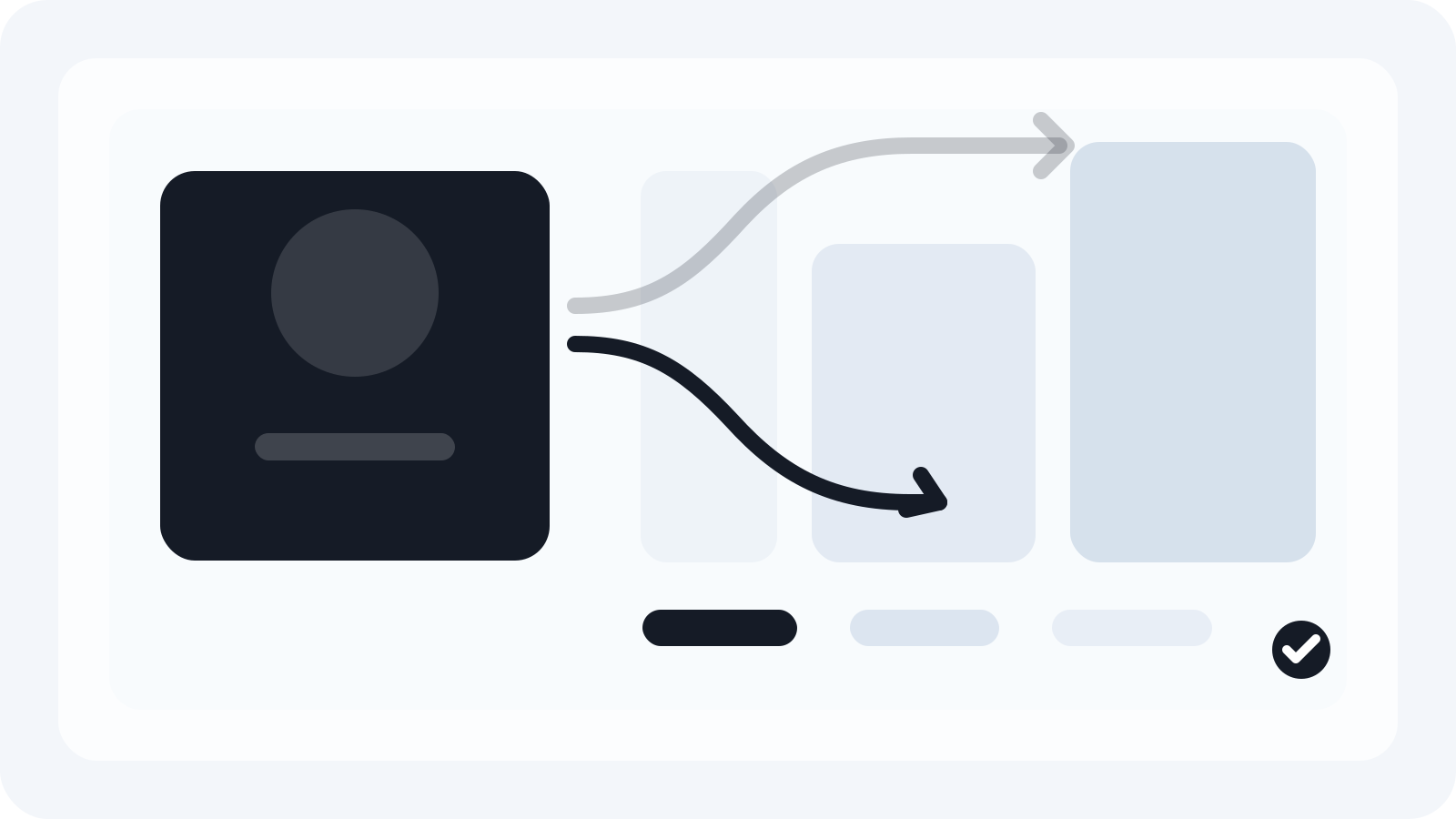
The right place for automation is the repetitive middle of campaign production: the stretch after approval when one concept has to become many sizes under deadline pressure.
Automate the repetitive steps, not the creative judgment
Concept development, hierarchy, and campaign framing still need human judgment. Those are not the steps slowing most teams down.
The slowest steps are the mechanical ones:
- duplicating PSDs
- changing canvas sizes
- repositioning common elements
- exporting the same campaign into many output folders
- repeating the work after every copy change
This is the production layer where automation delivers the clearest return.
Keep the workflow visible to the team
Many automation systems fail because the team cannot understand what happened after the process runs. A designer needs to know:
- which master was used
- which layers were mapped
- how the outputs were generated
- what still needs a human eye
If the workflow hides that information, it creates risk and distrust.
That is one reason Photoshop remains useful in production-heavy teams. The source files are visible, familiar, and easy to inspect when changes come in.
Build the workflow around clean source masters
Automation does not fix poor source structure. If the master PSD is disorganized, the automated output will still be inconsistent.
Before automating anything, make sure the masters are built for adaptation:
- layers named by role
- backgrounds that can extend
- text separated from decorative elements
- hero assets isolated cleanly
Once those rules exist, automation becomes much more dependable.
Use Smart Resize as the production layer
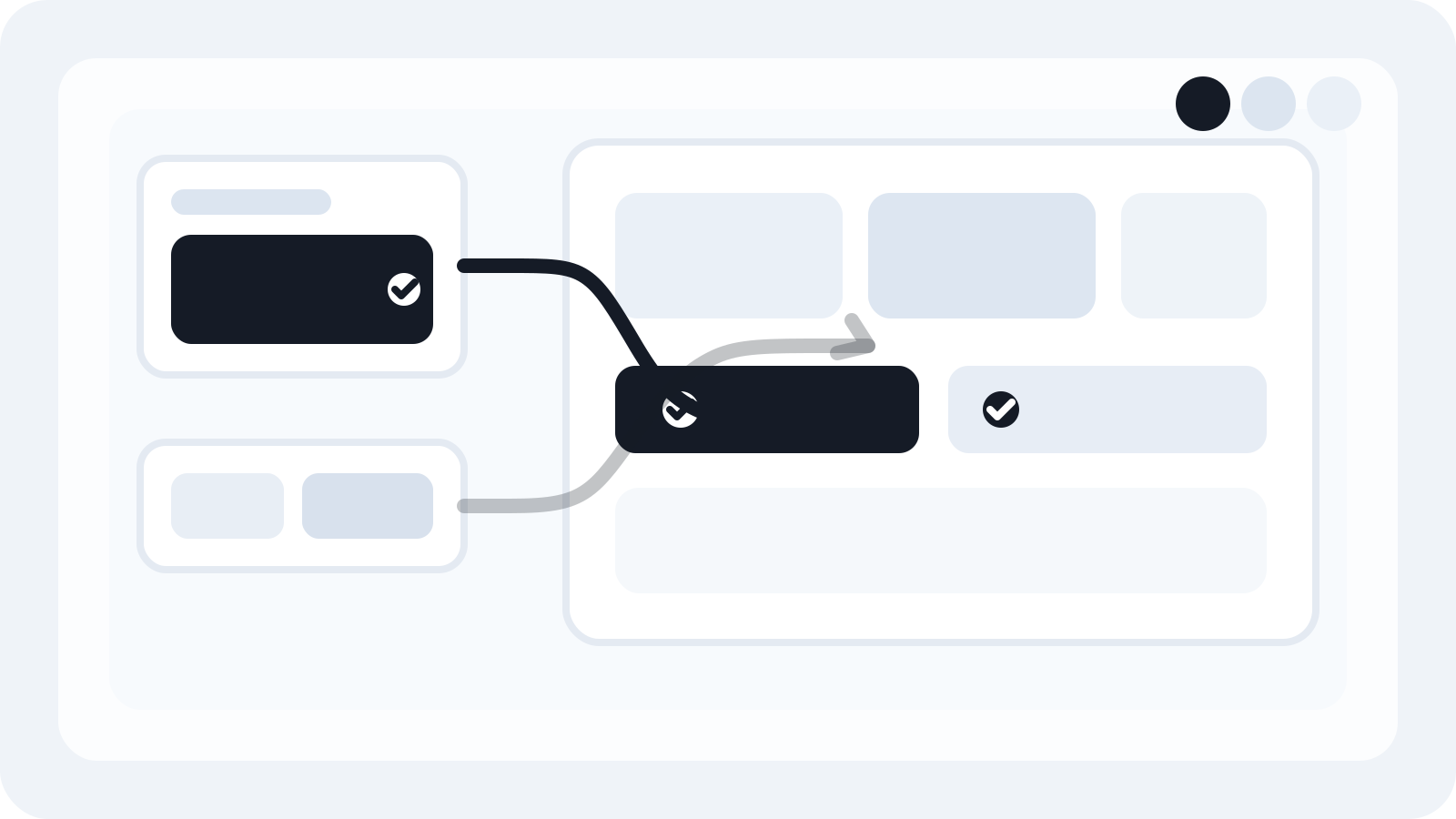
Smart Resize is useful because it keeps Photoshop as the source environment while automating the repetitive generation work. Teams can load the masters, confirm the layer map, paste the size list, and generate the outputs without rebuilding each file by hand.
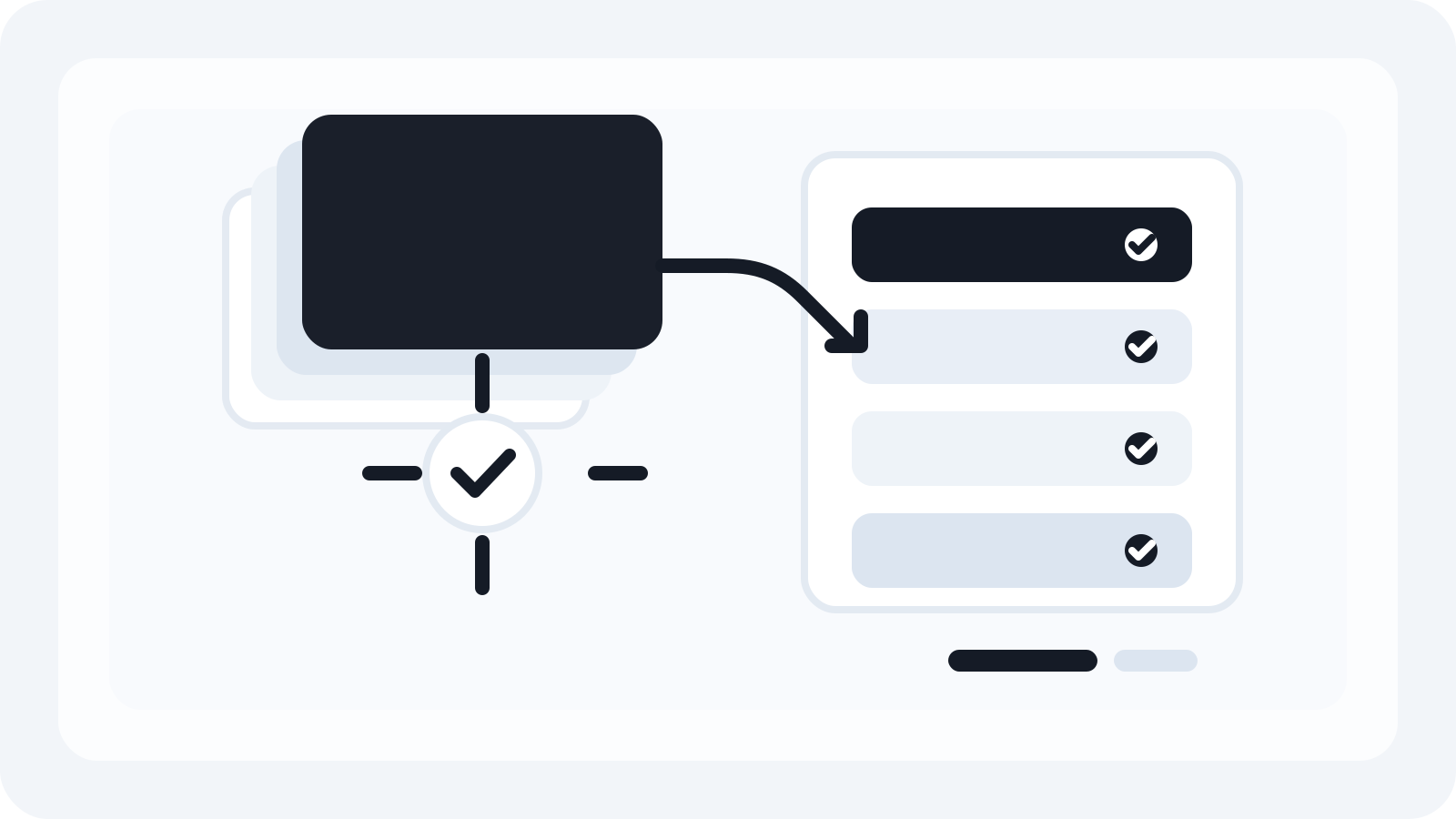
That matters because the result is still a production file set, not just a stack of flattened delivery assets. The team can review, refine, and re-export from layered PSDs when the campaign changes.
Measure automation by turnaround and editability
There are two practical questions to ask about any workflow automation:
- Did it reduce turnaround time?
- Did it preserve the files well enough for the next change round?
If the answer to either question is no, the workflow is not actually solving the production problem. A fast export that destroys editability simply moves the work downstream.
Review exceptions instead of rebuilding everything
The value of automation is not that every output becomes perfect automatically. The value is that the routine files stop consuming the team's time.
That lets designers focus on:
- difficult ratio changes
- unusual placements
- late-stage copy adjustments
- client-specific refinements
The workflow becomes much more realistic under pressure because the manual effort is aimed at the files that need it most.
The practical takeaway
To automate ad production in Photoshop, keep the creative decisions human and automate the repetitive adaptation steps that follow approval. That is where time is lost and where consistent workflows create the biggest payoff.
Smart Resize is built for exactly that part of the process. It helps campaign teams generate multiple outputs faster while keeping the layered PSD structure intact for the revisions that always come next.
Smart Resize
Start with the source setup
Use the docs to see how clean masters and mapped layers support faster automation.
FAQ
What part of ad production should be automated first?
The repetitive production steps after approval are the best candidates for automation: file duplication, size routing, basic layout adaptation, and batch export preparation.
Why does editable output still matter in an automated workflow?
Because campaign production keeps changing after the first export. Editable PSD outputs allow teams to refine or update the batch without rebuilding everything from scratch.
How does Smart Resize fit into workflow automation?
Smart Resize acts as the production layer after the concept is approved, helping teams generate multiple outputs from mapped Photoshop masters faster.