Smart Resize
Evaluating a Photoshop resize plugin for real production use?
Smart Resize is built for teams generating many campaign formats, not just one-off exports.
If you are looking for a Photoshop plugin for generating multiple ad sizes, the real question is not whether the plugin can resize a document. The real question is whether it can support production-grade campaign work.
That means more than export speed. It means:
- support for multiple source orientations
- a clean way to handle many target sizes
- layered PSD outputs that stay editable
- enough workflow visibility for real team review
That is the difference between a convenience tool and a production asset.
The wrong benchmark is simple canvas resizing
Changing a canvas size is not the hard part of campaign adaptation. The hard part is:
- preserving hierarchy
- rebalancing the composition
- keeping review manageable
- handling the next round of client or stakeholder changes
Any plugin that only changes dimensions still leaves most of the expensive work untouched.
What professional teams actually need
A Photoshop plugin for multiple ad sizes has to fit real production behavior:
- one approved campaign visual has to feed many channels
- the team needs editable files after the first output batch
- some formats need manual polish while others should be fine as generated
- campaign changes arrive after production has already started
That means the workflow has to be built around repeatability, not one-off exports.
Why manual resizing gets expensive
Manual resizing looks acceptable at very small scale. Once the campaign expands, the hidden costs appear:
- duplicate PSD sprawl
- more QA time
- inconsistent crop decisions
- repeated export loops after every copy update
- senior designers spending time on mechanical production work
This is exactly the gap a strong Photoshop plugin should fill.
Where Smart Resize fits
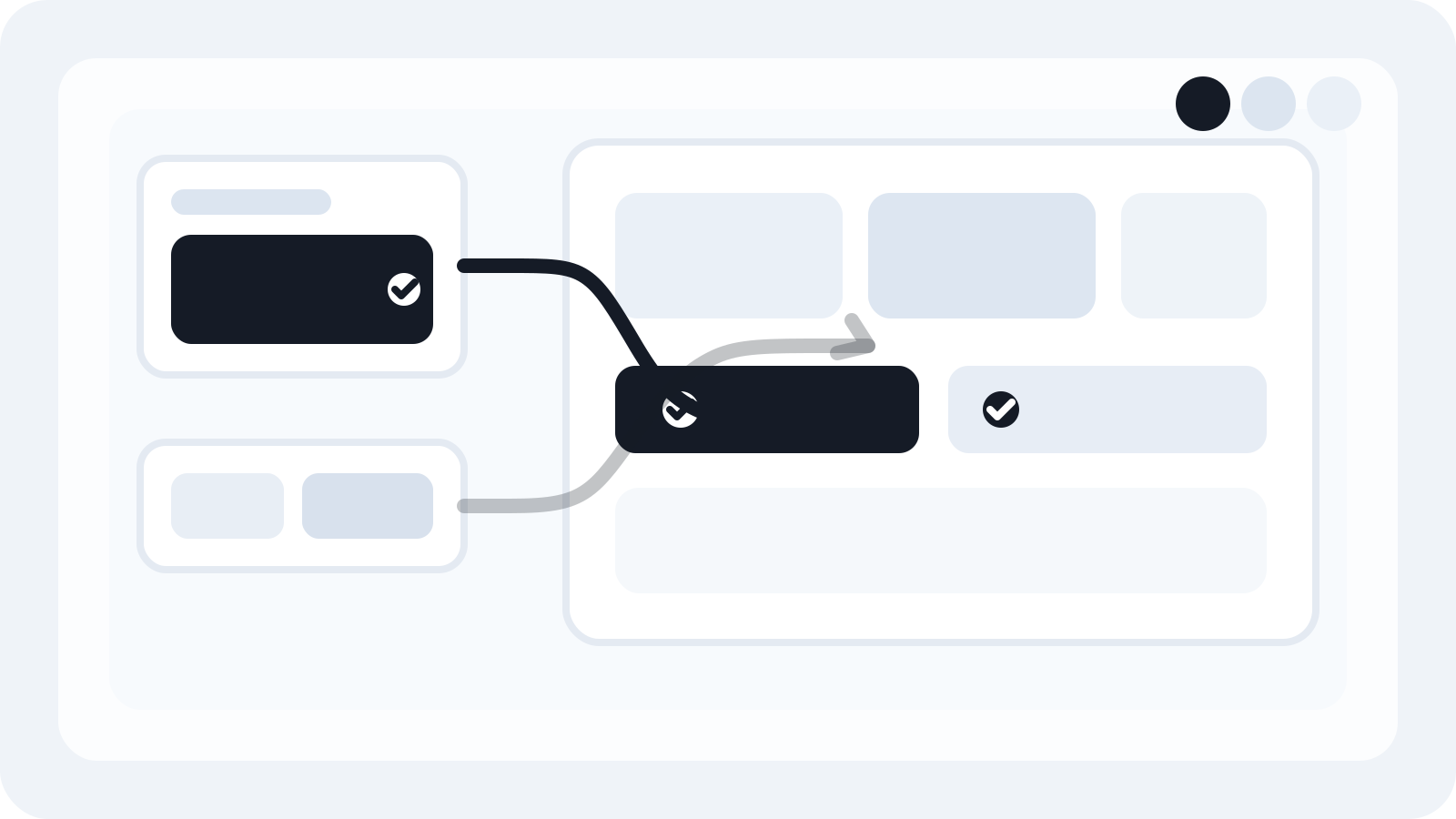
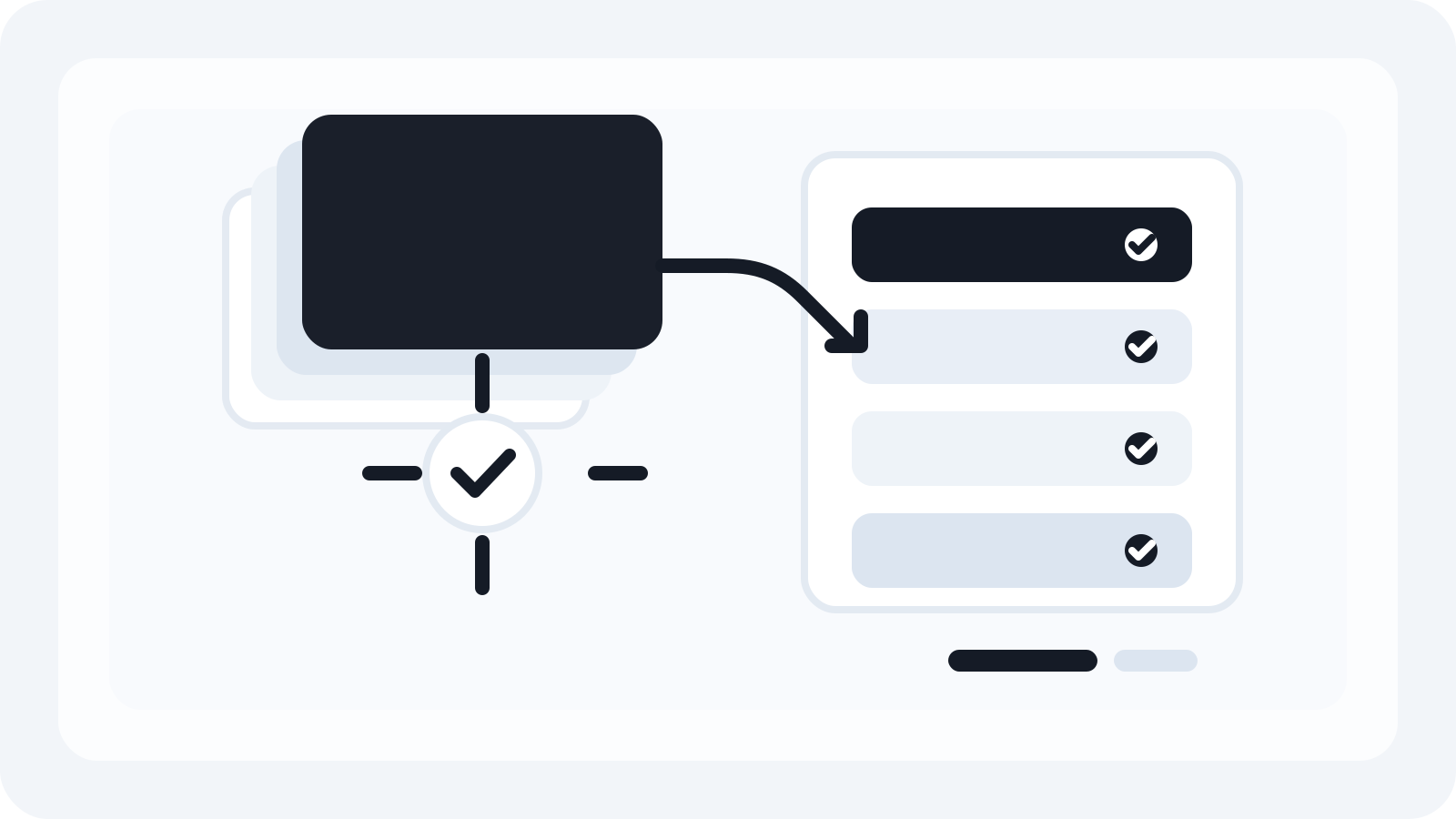
Smart Resize is designed for the production phase after the concept is approved. Teams load the source masters, confirm the mapped layers, paste the size list, and generate the required outputs in one workflow.
That matters because the result is still useful after the batch finishes:
- PSD files stay editable
- JPG and PNG exports are generated alongside them
- the workflow works across social, display, and custom campaign sizes
This makes it a practical option for agencies, in-house creative teams, and experienced freelancers who need more than a basic export shortcut.
Evaluate by output quality, not just speed
The plugin that saves the most time is not necessarily the one that clicks the fewest buttons. It is the one that produces files the team can still use afterwards.
A production-grade benchmark looks like this:
- faster adaptation from one master system
- predictable review process
- editable outputs
- clear value when the campaign expands to more placements
If a workflow fails on those points, it will not hold up under real campaign pressure.
The practical takeaway
The best Photoshop plugin for generating multiple ad sizes is the one that removes repetitive production labor without breaking the rest of the workflow.
That is where Smart Resize is positioned. It helps teams generate more campaign formats faster while keeping the PSD outputs layered, reviewable, and ready for the inevitable next round of changes.
Smart Resize
See the product workflow
The docs show how Smart Resize loads masters, maps layers, and generates editable outputs.
FAQ
What should a Photoshop resize plugin do for campaign teams?
A production-grade plugin should support multiple source orientations, preserve layered PSD structure, accept batch size input, and make the output practical for review and later revisions.
Why is canvas resizing alone not enough?
Because campaign adaptation is mostly about layout translation and production control, not just changing dimensions.
How does Smart Resize compare to a manual workflow?
Smart Resize removes the repetitive file-generation work while keeping PSD outputs editable, so teams can move faster without losing production flexibility.